82 stock scans.
On your PC and phone.
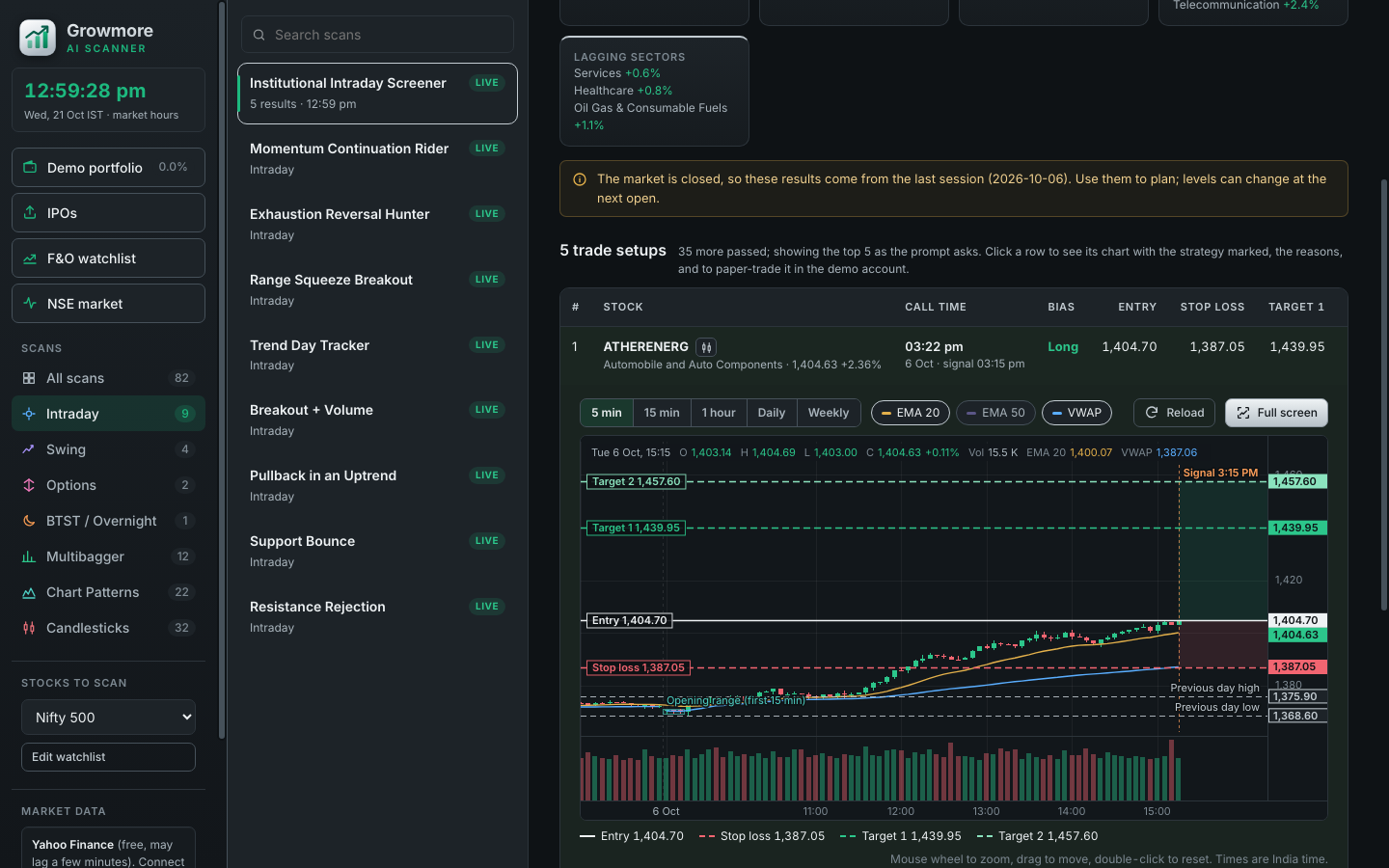
Growmore AI Scanner checks Nifty 500, Nifty 50, F&O stocks or your own watchlist with named scans for intraday, swing, options, BTST and long-term investing. Each result shows entry, stop loss, two targets, risk-reward and the reasons, with a chart.
Windows 10 and 11, and Android 7 or later. Market data from your own Upstox account, or free delayed data. For education and research only, not investment advice.
Tap any picture to see it full size.
A scan for every style of trading
Every scan has its own name and its own rules. Pick one, choose which stocks to check, and the app does the rest.
Intraday
- Institutional Intraday Screener
- Momentum Continuation Rider
- Range Squeeze Breakout
- Trend Day Tracker
Swing
- Swing Trend & Base Finder
- Base Breakout Shield
- Pullback Re-Entry
- Early Reversal Spotter
Options
- Volatility & Option Chain Strategist
- Directional Options Trader
BTST / overnight
- BTST Closing Momentum
Long-term investing
- Quality Compounder Screener
- Growth at Fair Price
- Cash Flow Capital Allocators
- Red Flag Risk Filter
Chart patterns and candlesticks
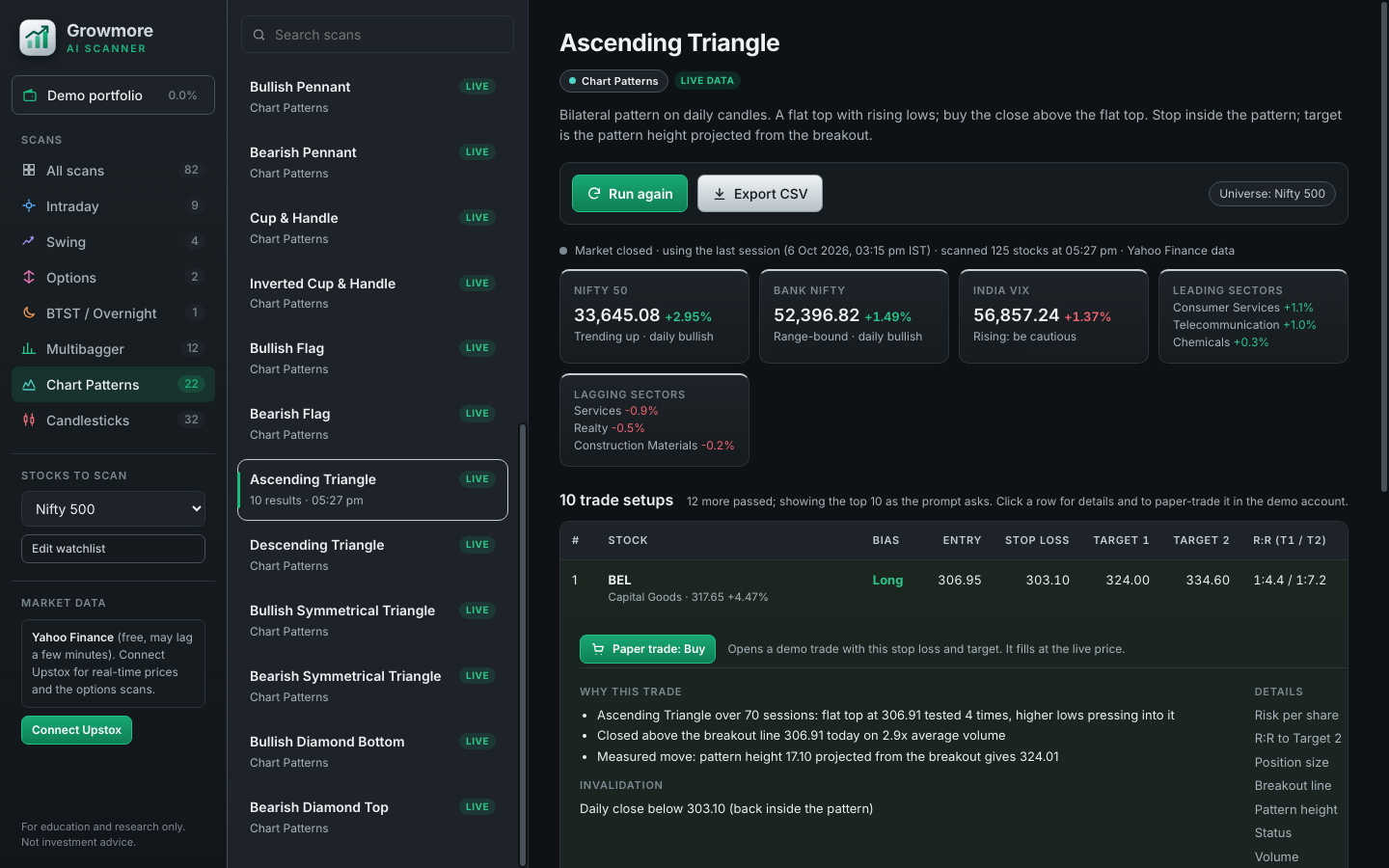
22 chart patterns and 32 candlestick patterns, each marked on the chart.
Entry, stop loss and targets on the chart
- Entry, stop loss, target 1 and target 2, with risk-reward and conviction
- The reasons each stock passed the scan
- Call time: the India time the scanner first found the setup
- Candle charts from 5 minutes to weekly, with EMA and VWAP
- Export any result list to Excel (CSV)
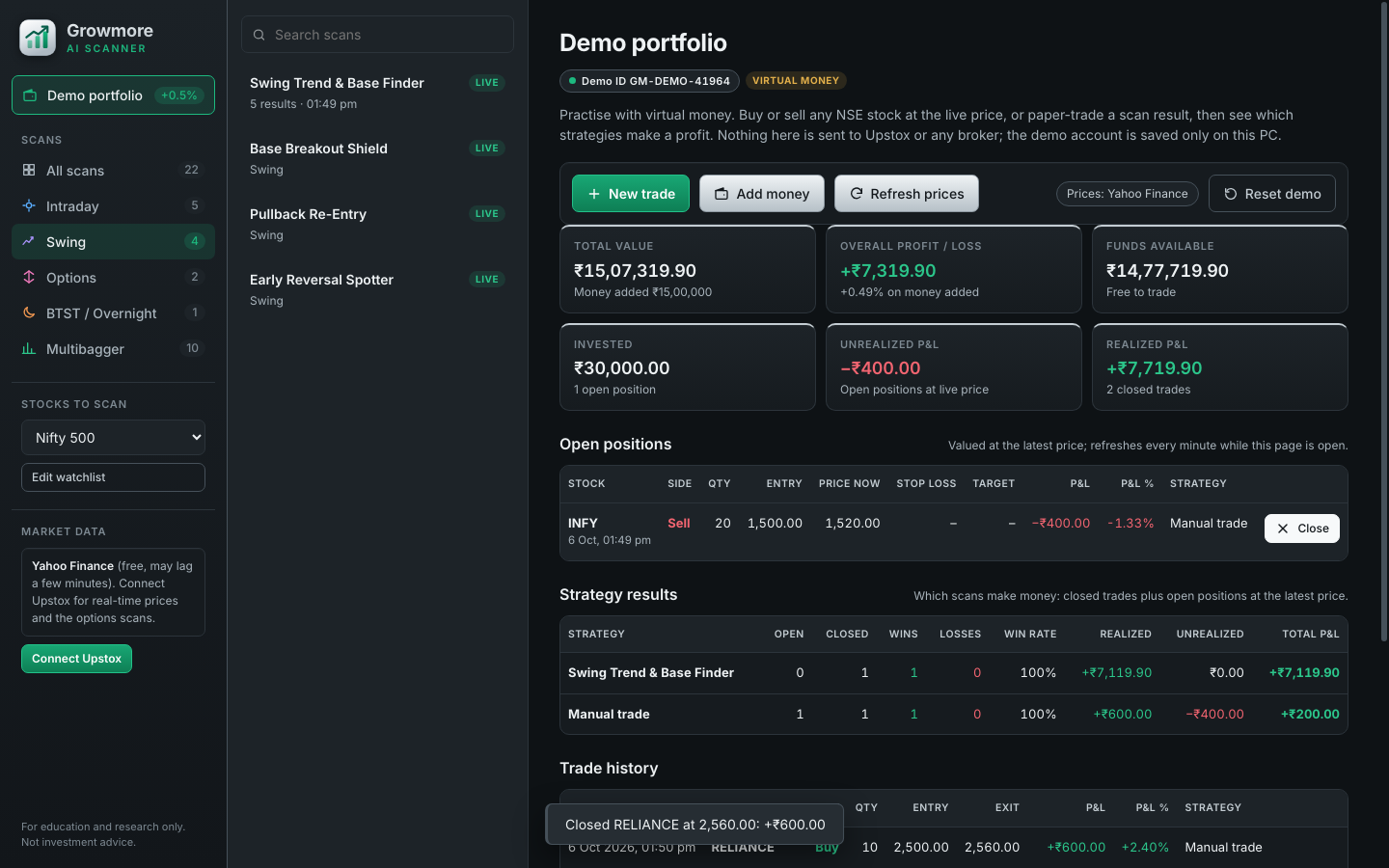
Demo portfolio with ₹10 lakh virtual money
- Paper-trade stocks and options straight from a scan result
- Trades close by themselves at the stop loss or target
- See how each scan has done in Strategy results
- Stays on your PC. No real orders are ever placed.
Multibagger research from company financials
- Twelve long-term scans built on about five years of results
- Growth, cash flow, debt, valuation and red-flag checks
- Plain reasons for every stock on the list
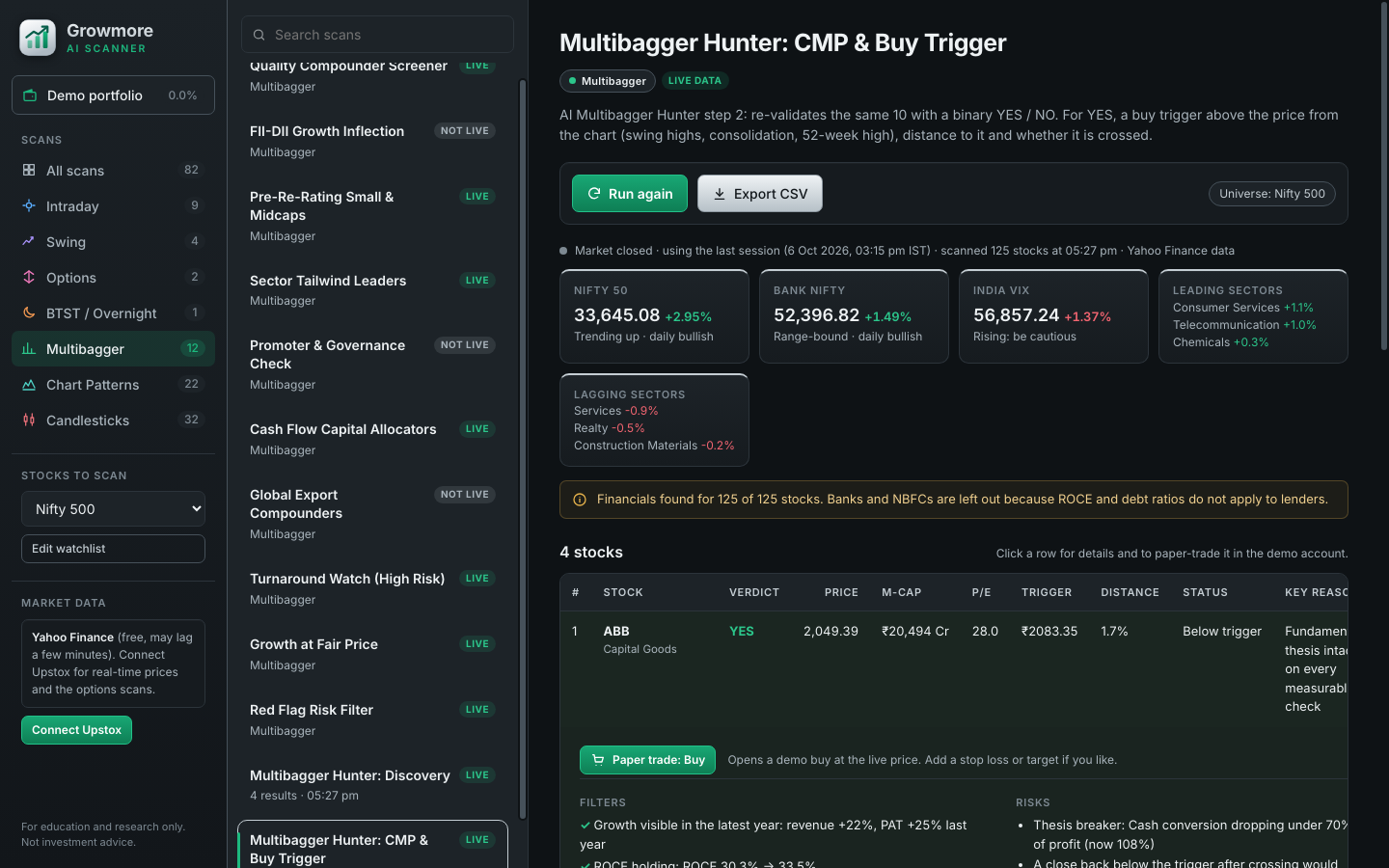
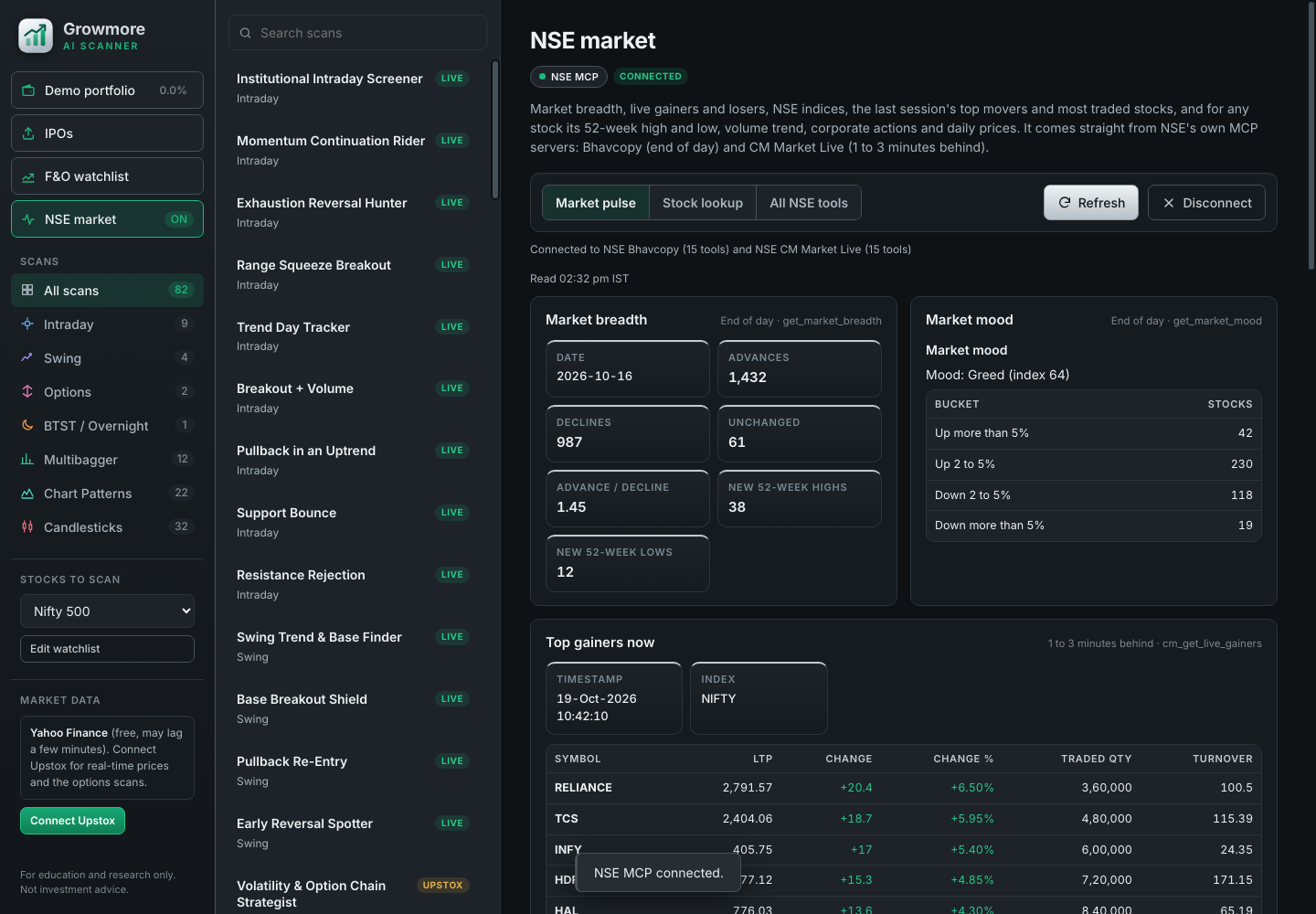
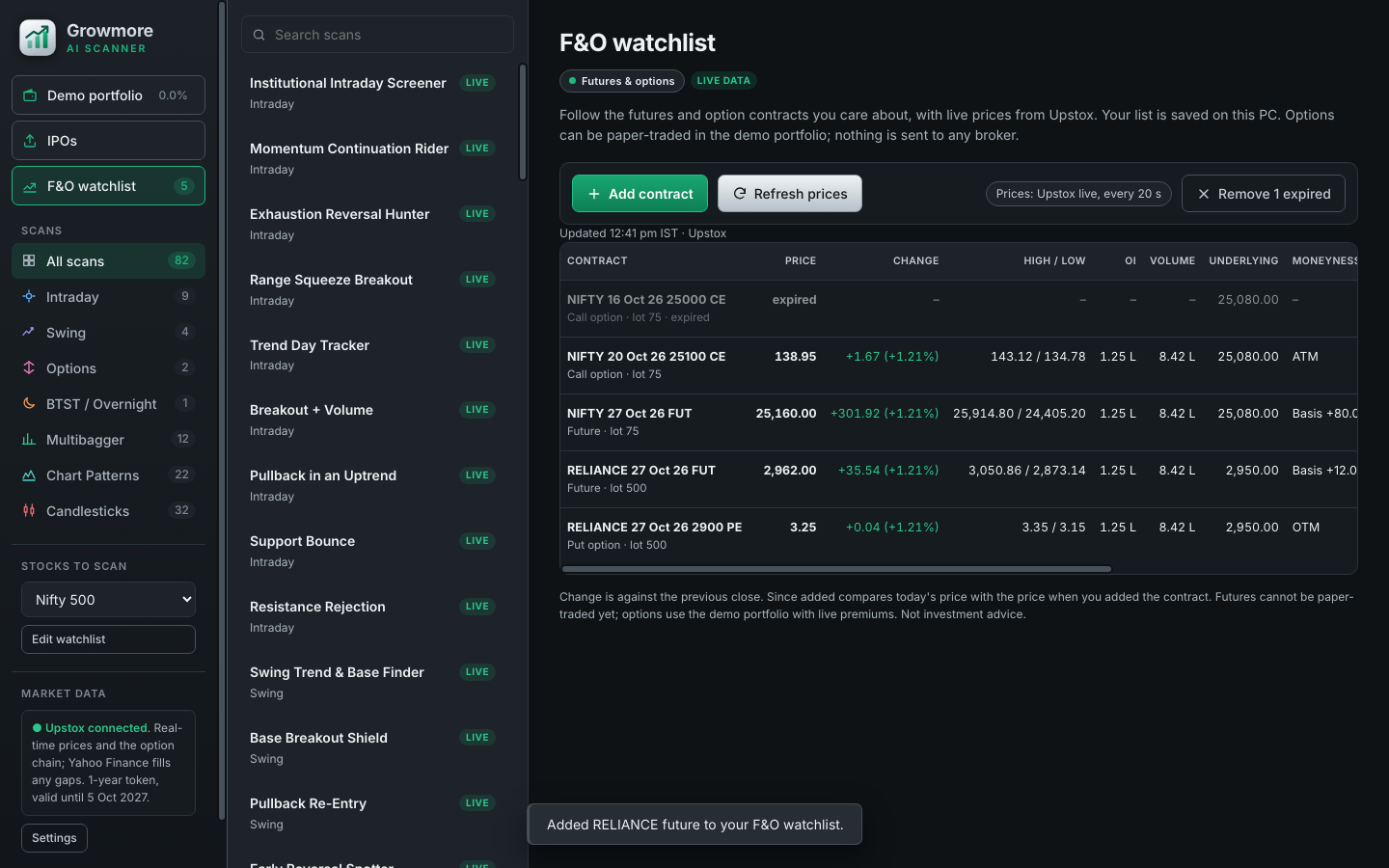
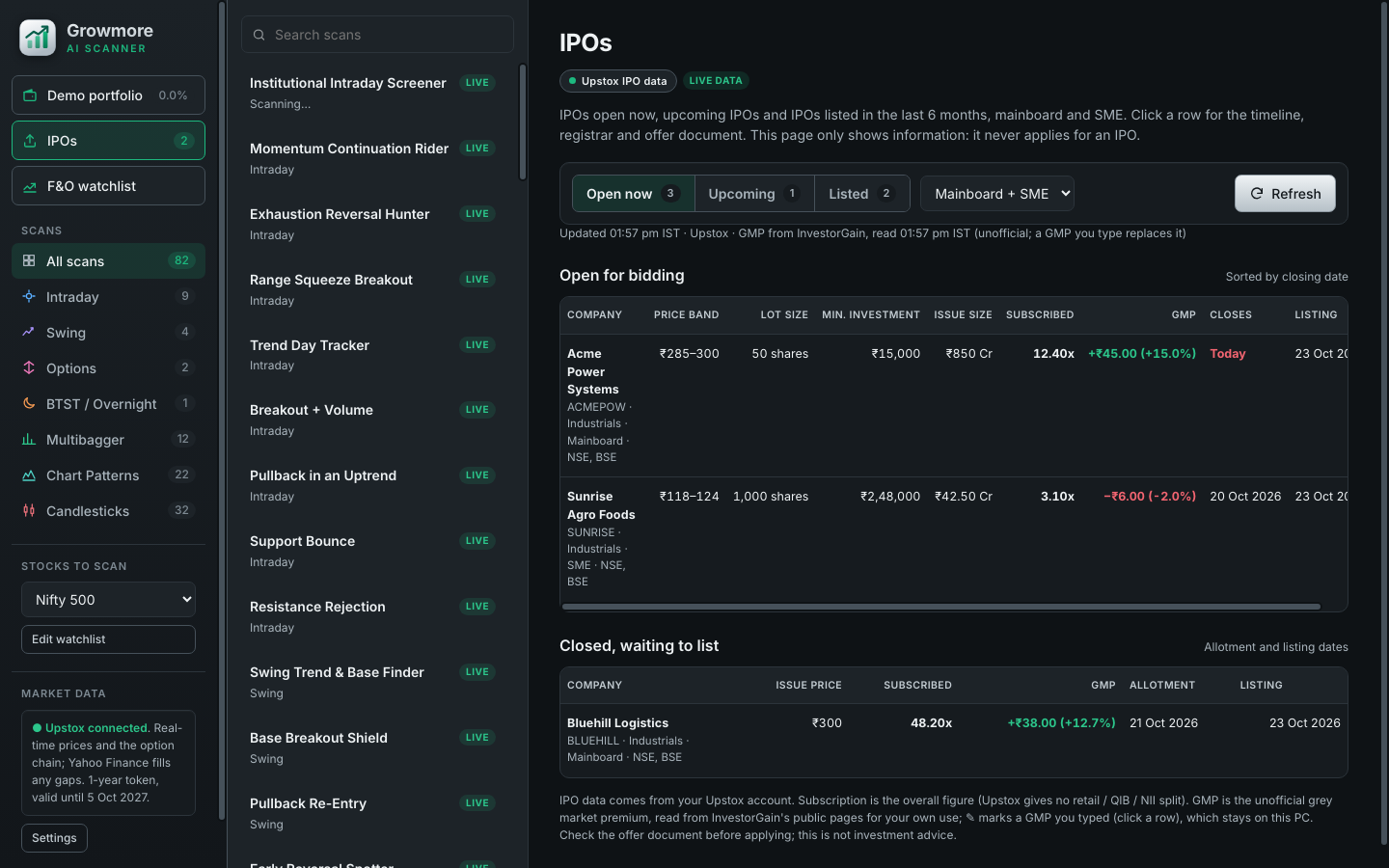
Everything on one screen
Simple pricing
Monthly, yearly or once for life. Every plan includes all 82 scans, charts, the demo portfolio and updates. One licence works on one PC.
Prices include all taxes unless stated otherwise. Your plan starts the day your payment is confirmed. If you renew early you lose no days.
Up and running in four steps
Create your account
Sign up here with your name, email, mobile and a password, then confirm your email.
Download
Download the app below. On Windows, unzip it and open Growmore AI Scanner.exe. On Android, install the APK. Or use the web scanner.
Message us on WhatsApp
Send your login ID and the plan you want on WhatsApp. We reply with the next steps.
Start scanning
We switch your plan on, usually the same day. Click I've been activated and start.
Buy a plan
Message us on WhatsApp with your login ID and the plan you want.
WhatsApp +91 80074 57444Download for Windows
Version 0.9.9 · about 111 MB · opens Google Drive, then click Download · Windows 10 and 11.
Download Growmore AI ScannerWindows may show "Windows protected your PC" the first time. Click More info, then Run anyway.
Download for Android
Version 1.0.5 · 1.2 MB · Android 7 or later. Sign in with the same login ID.
Android app (APK, 1.2 MB)The app is not on the Play Store yet. When Android asks, tap Settings, turn on Allow from this source (Install unknown apps) for your browser, go back and tap Install.
FAQ
Where does the market data come from?
Connect your own Upstox account with its read-only Analytics Token for live prices and a refresh every minute. Without it the app uses free data that can be a few minutes late.
Does the app place trades in my account?
No. The app only reads market data. It cannot place orders, and the demo portfolio uses virtual money only.
Can I use one plan on two computers?
No. Each licence works on one PC. If you change your PC, message us and we move your licence.
Is this investment advice?
No. Scan results are for education and research. Please do your own research or talk to a SEBI-registered adviser before you trade.
Does it work on mobile or Mac?
Android, yes: download the Android app above. Mac and iPhone, not yet. The Windows app runs on Windows 10 and 11.